saved.archi

your architecture companion

Compare

Compare works, bureaus, or a mixed set

Read a small selection side by side through images, place context, climate, typology, materials, carbon signals, accessibility, and related books.

Start with empty panels, click to search, then add 2 to 4 items. Mixed mode still lets works and bureaus sit in the same matrix.

1 selected · 1 other item held elsewhere in the compare set

Switch one slot and every selected work updates in sync. Use the pins to focus a work spatially.

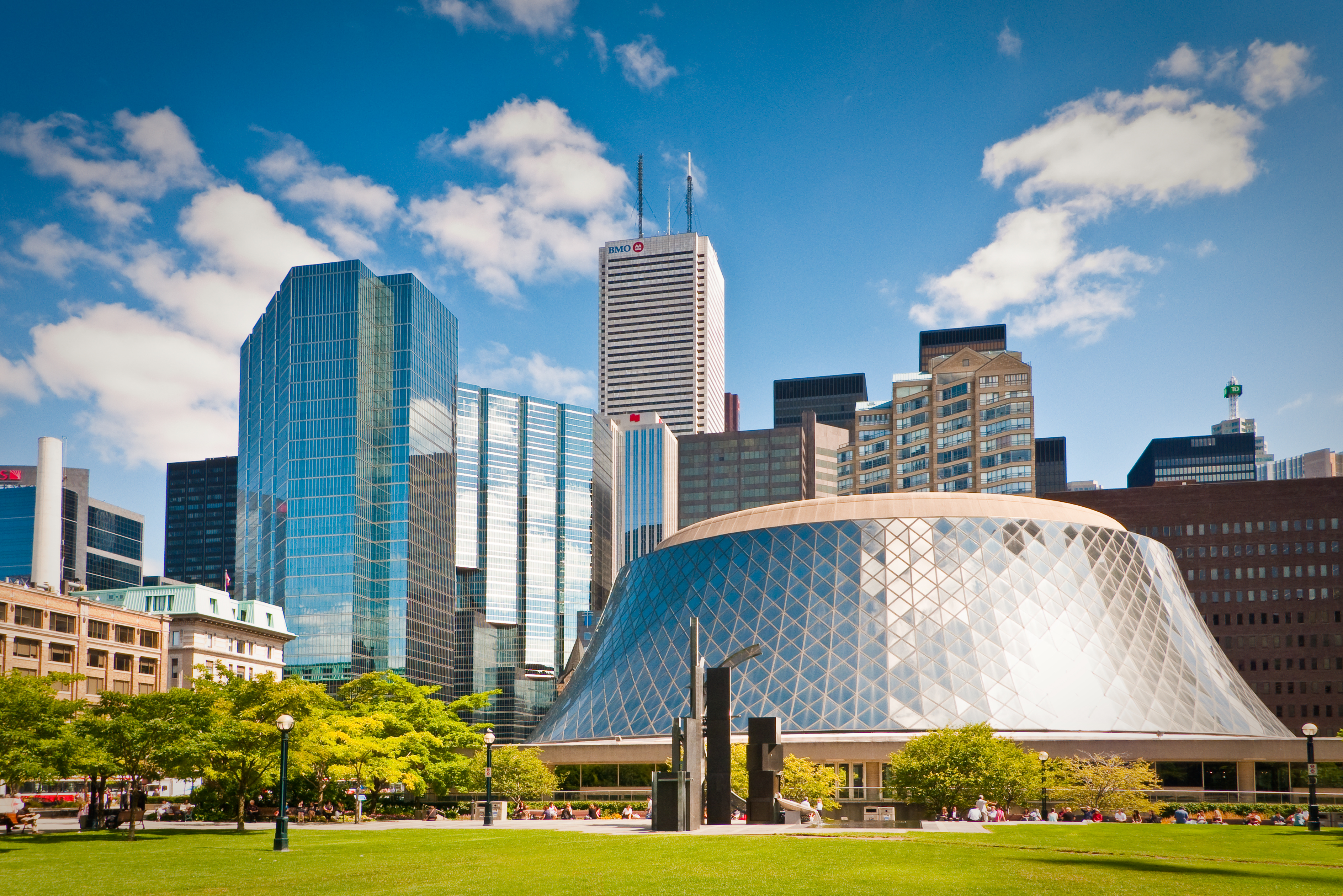
Roy Thomson Hall in Toronto, Canada
Roy Thomson Hall

Unknown · Toronto, Toronto, Canada

Roy Thomson Hall image

Concert hall in Toronto, Canada

Site spread

Pins are normalized from the recorded work coordinates so you can read the set spatially.

Roy Thomson Hall

Toronto, Toronto, Canada · Exact work coordinates

OpenStreetMap

Read the current set at a glance before dropping into the matrix.

Add at least 2 items to unlock the comparison table

Start with a small comparison set

Pick two to four items above and the matrix will compare place, climate, type, materials, carbon signals, access, and linked books.